
Support
To delete data from the account
To delete data from the account, the user must go to the settings section and click on the delete account button.
-
Step 1
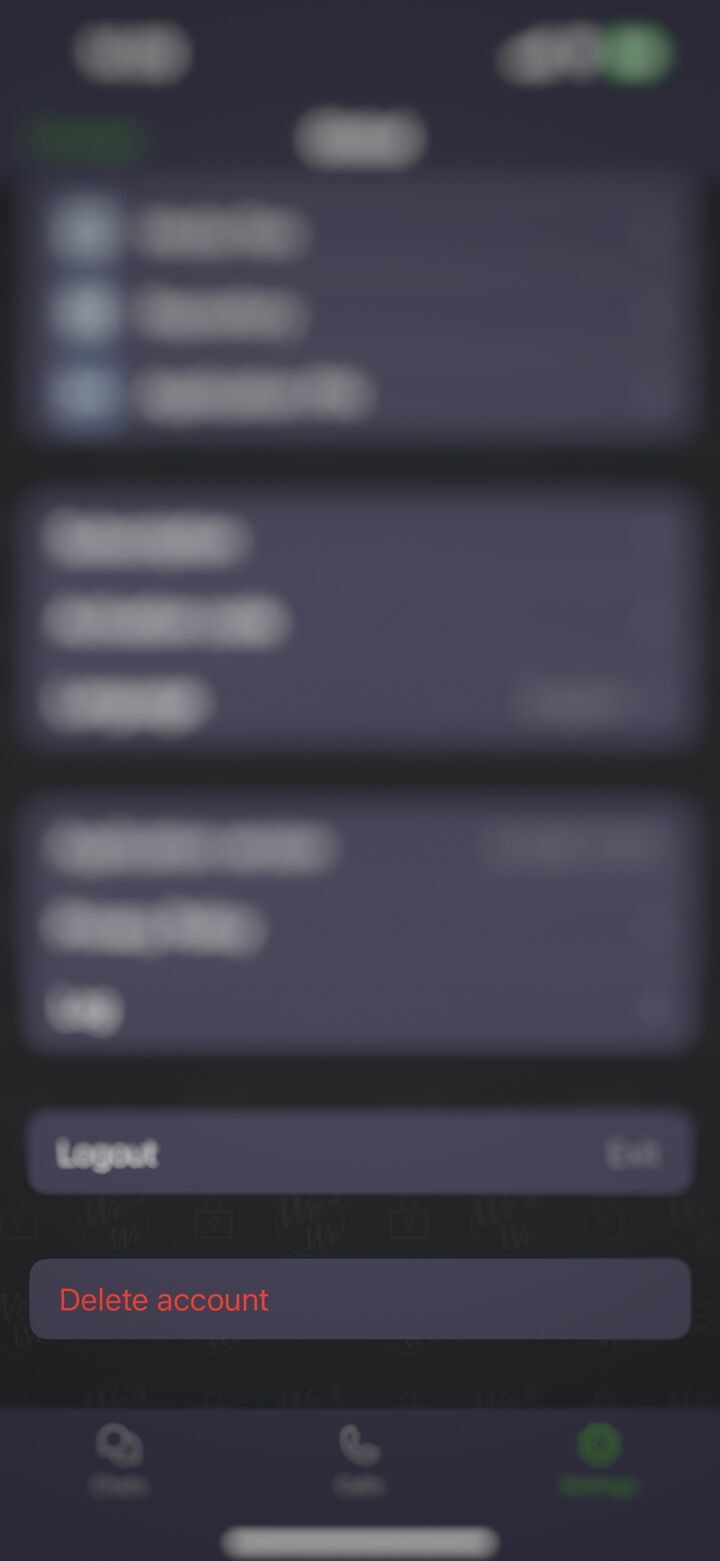
Open Settings
In the WeWe3 app, go to the Settings tab and tap the “Delete account” button at the bottom of the screen.
-
Step 2
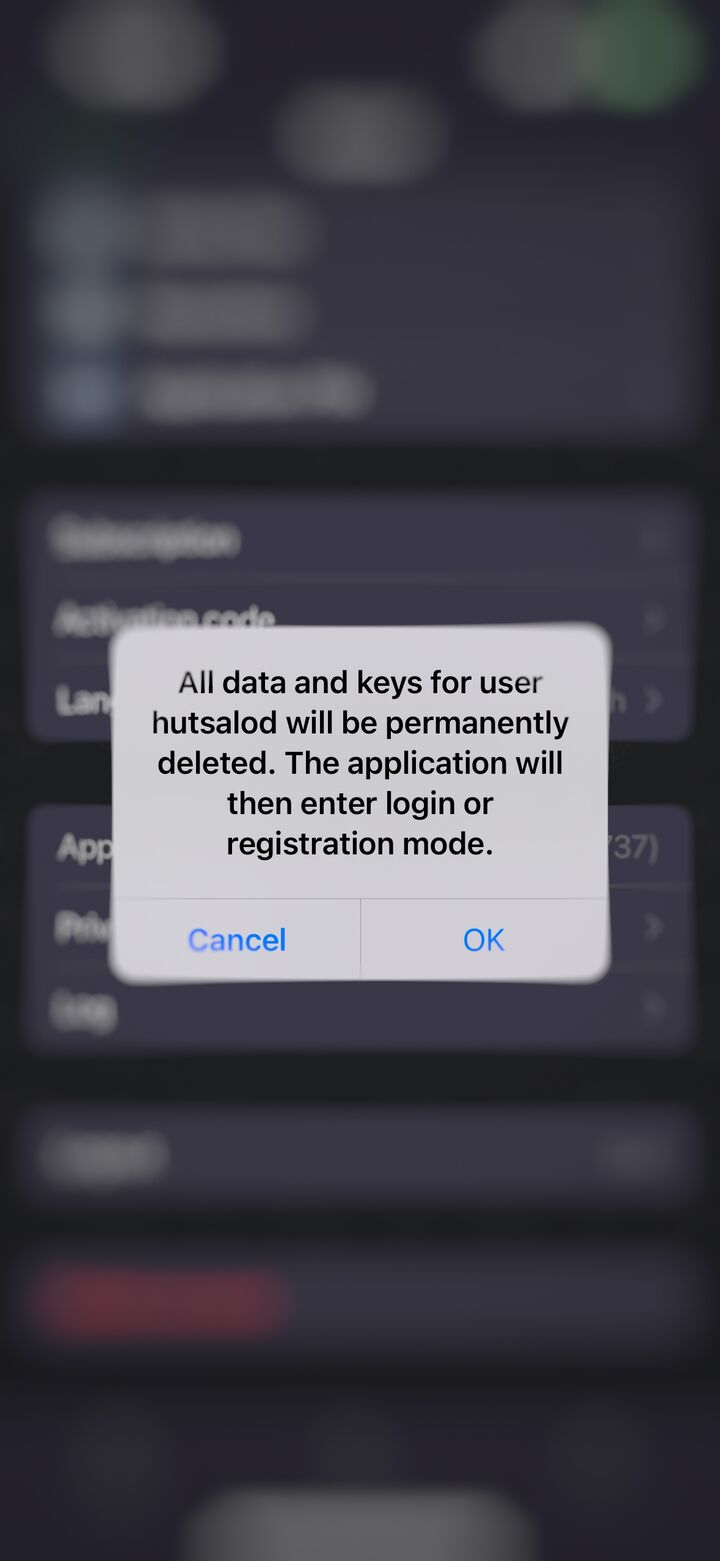
Confirm deletion
Tap “OK” in the confirmation dialog. All data and keys for the user will be permanently deleted, and the app will then enter login or registration mode.
Deletion is permanent
Once confirmed, the account, messages and keys cannot be restored. WeWe3 does not keep copies of your data on its servers. Have a question? Contact us: office@weltwelle.com